
5 Signs It’s Time to Replace Your Office Copier or Printer
If your office copier or printer is slowing everyone down, you’re not alone. Many businesses wait too long to replace aging equipment because it still “sort of works.” But the hidden cost shows up in lost time, missed deadlines, and constant frustration. In this guide, we’ll walk through 5 signs it’s time to replace your office copier or printer, plus what to do next if you’re ready for a smoother setup.
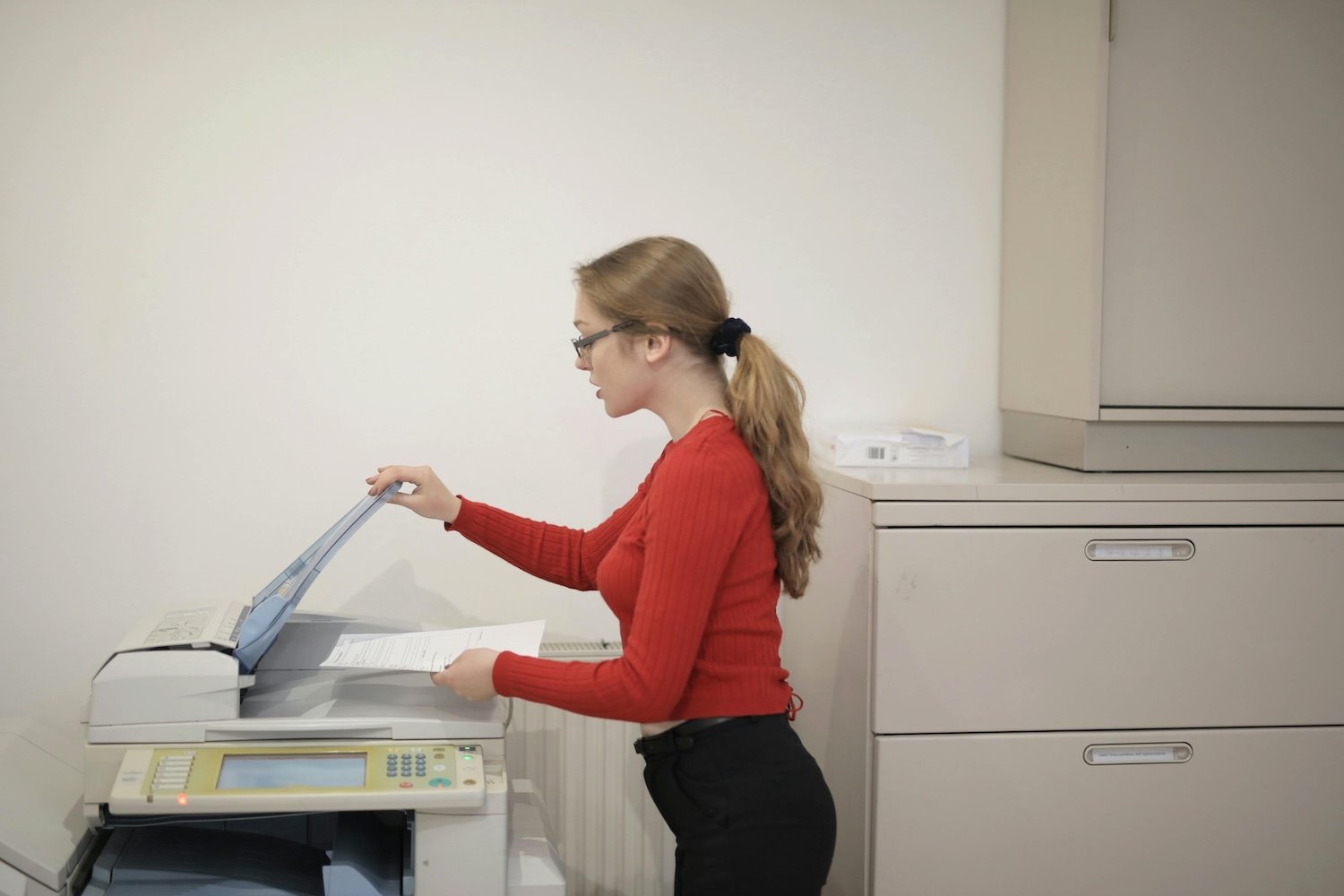
1. You are dealing with jams, streaks, and errors every week
An occasional paper jam is normal. A copier that jams weekly is a workflow problem. If you are constantly clearing misfeeds, rebooting the machine, or reprinting streaky pages, your equipment is no longer reliable. That means your team is losing time, and you are one big deadline away from a real mess.
A newer copier or multifunction printer will not only reduce breakdowns, it will often print faster and produce cleaner output with fewer interruptions.
2. You are paying for repairs too often
If you have had multiple service calls in the last few months, it is worth doing the math. Older machines tend to need more parts, more labor, and more troubleshooting. Even if each repair is not huge, the pattern adds up.
A good rule of thumb: if your repair costs are creeping toward what a monthly lease would be, it is time to explore replacement options. Leasing also typically includes service, which makes your costs predictable.
3. You are always running out of toner at the worst time
Toner emergencies are more than annoying. They stop production, force rush orders, and create unnecessary stress for office managers. If your team is constantly managing toner manually or scrambling when it runs low, your current setup likely lacks the kind of monitoring and support that modern providers offer.
Many offices switch not because of the machine itself, but because they want a better system around it. Proactive toner delivery and local support remove the guesswork and keep your team moving.
4. Your business has changed, but your copier has not
Maybe your office grew. Maybe you downsized. Maybe you switched to a hybrid schedule and print less than you used to. The copier you bought or leased years ago may no longer match how your team works today.
If your print volume has dropped, you may be overpaying for a machine that is too heavy-duty. If your volume increased, you may be pushing a smaller device beyond what it was built to handle. Either way, right-sizing your equipment can save money and reduce problems.
5. It is slowing down daily work
A copier is a shared resource. When it is slow, everyone feels it. If it takes too long to wake up, scan, process large jobs, or handle basic tasks like duplex printing, it impacts productivity.
Newer models often come with better scanning, faster processing, cloud workflows, and cleaner interfaces. The best part is you do not have to guess. A good provider will recommend equipment based on your actual usage, not based on what is most expensive.
What to do next
If you recognize one or more of these signs, it is worth getting a second opinion. Bay Business Technologies helps Rhode Island offices lease, rent, or purchase the right copier or printer for their needs, with fast local support and a smoother service experience.